Visual builder features:
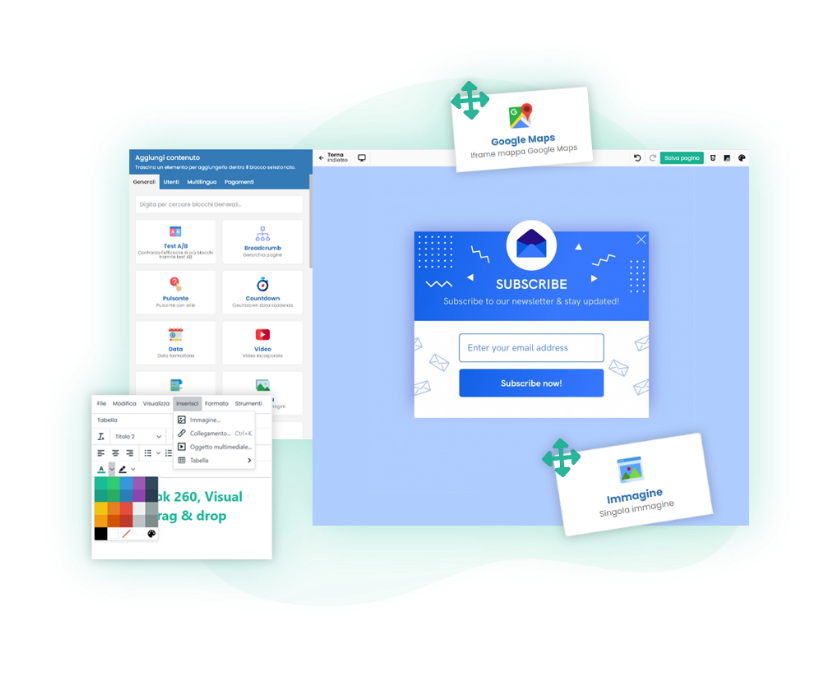
Drag & drop visual builder
Create any type of website visually and in no time with the Framework360 visual builder.
You can easily create both static and dynamic pages by moving pre-built elements onto the pages and seeing exactly how they look immediately.

Real-time changes
Instantly view every small change you make to your website.
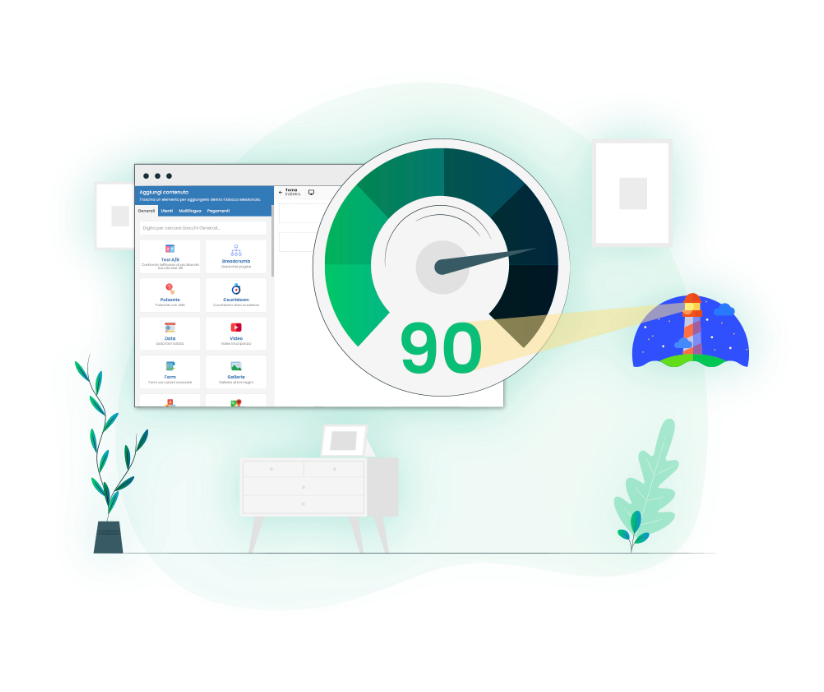
Super fast website
Unlike other website builders, many features are already included in Framework360, so there is no need to install additional plug-ins.
This brings the loading speed to over 90 points (source: Google PageSpeed Insights)

Every block is fully customizable
You can choose from ready-made blocks and customize the individual components inside the boxes down to the smallest detail to give your website the look you prefer.

Advanced editing
Within the blocks, you can freely customize the background, overlay, colors, and borders of your call to action buttons.
You can also: space out images as you like by adjusting padding and margins.

Attention-grabbing animations
With Framework360, you can create animations to capture your visitors' attention and keep them on your website.
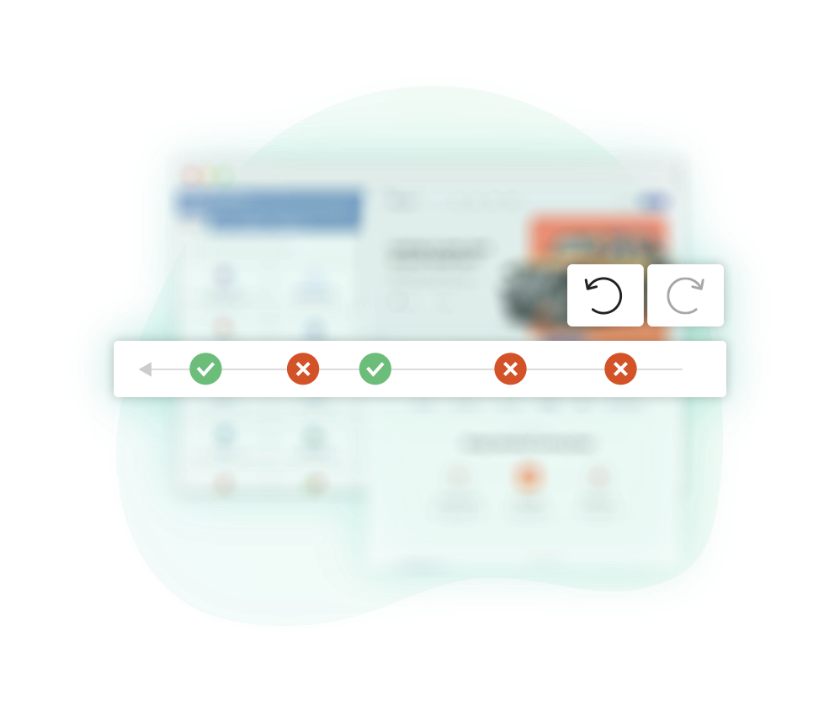
No fear of making mistakes
Go back in your edit history to restore content after a mistake.
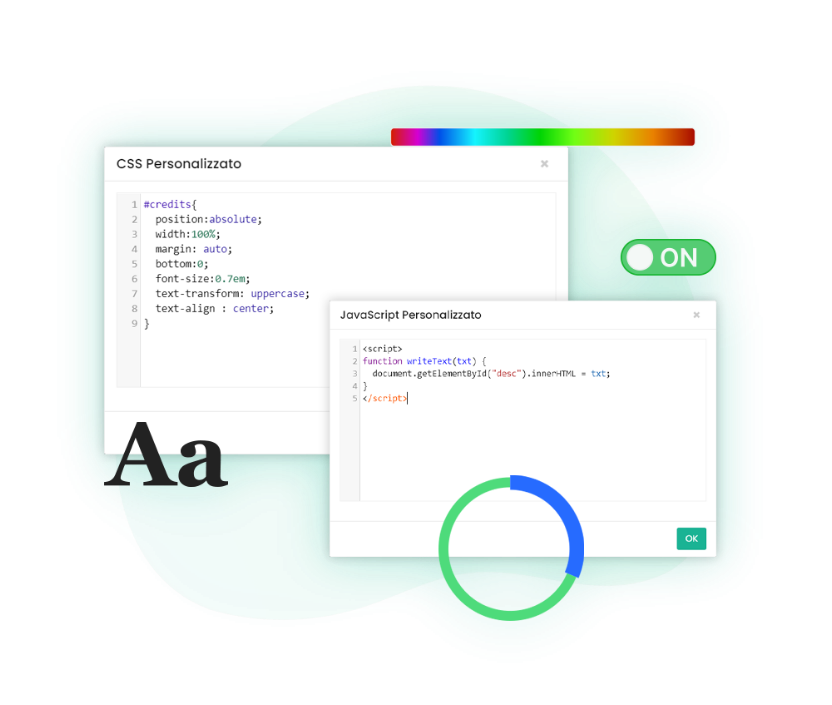
Add custom CSS and JS
Add custom CSS and Javascript to the entire page with just a few clicks using the convenient global textarea.

Google fonts or custom
Create a look that aligns with your content by using Google Fonts or uploading a custom font.
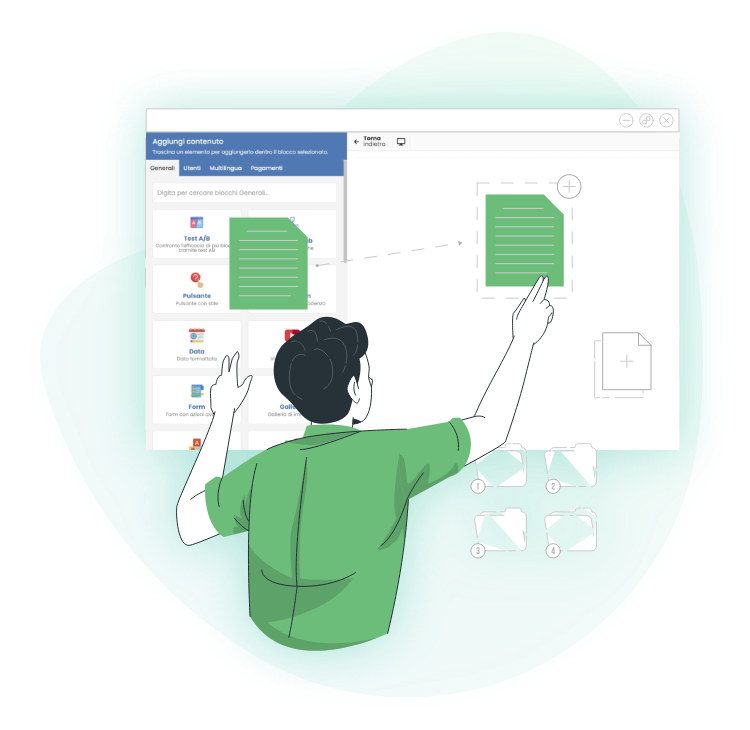
Don't start from scratch every time
You can copy and paste all the styles and blocks you want from pages you have already created, without wasting time recreating something you have already done.
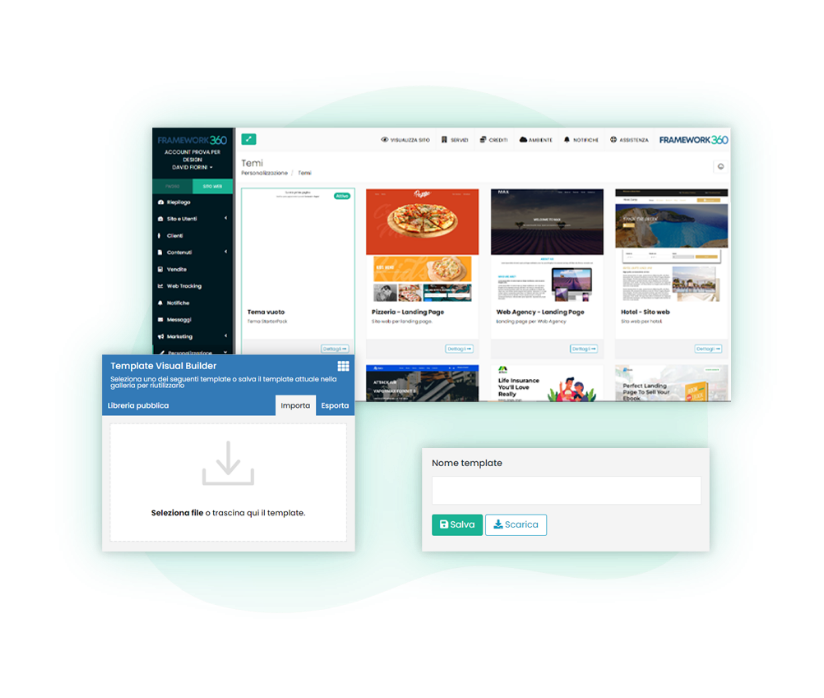
Get inspired by the best
Build your website by drawing inspiration from your favorite templates. Once created, you can import and export them across your website's pages.
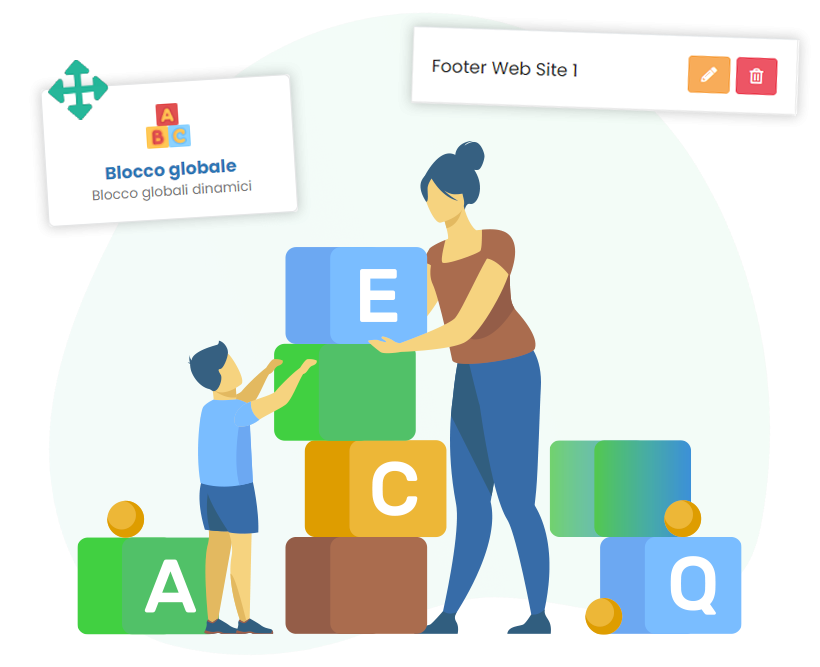
Add dynamic and global blocks
You can create highly customized blocks with the Framework360 visual builder.
- Global, which repeat identically across all pages.
- Dynamic, which change based on the settings you choose.
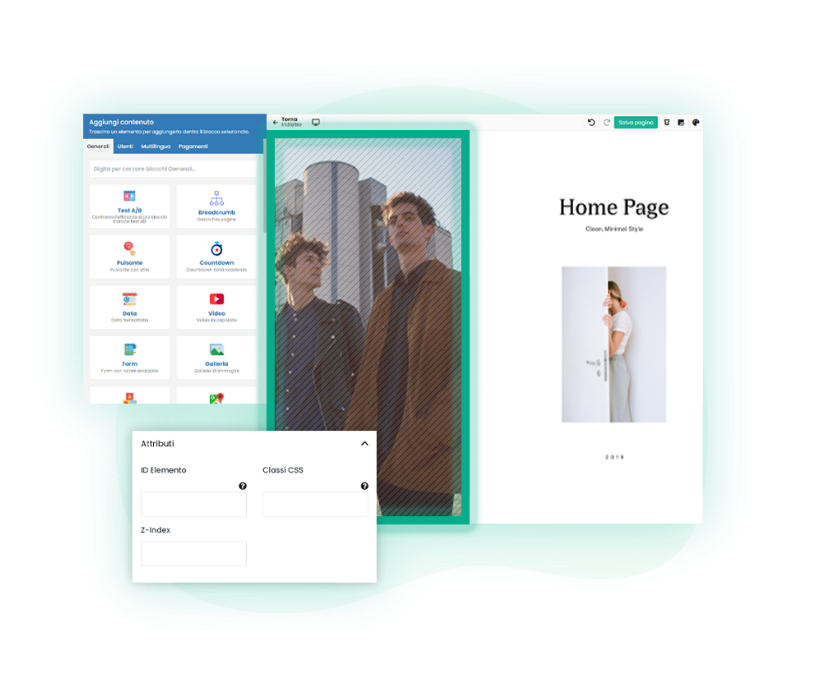
Assign an ID to the block
You can quickly assign a custom ID and class to a block to anchor a call to action, making it easier for visitors to reach the bottom of your sales page.
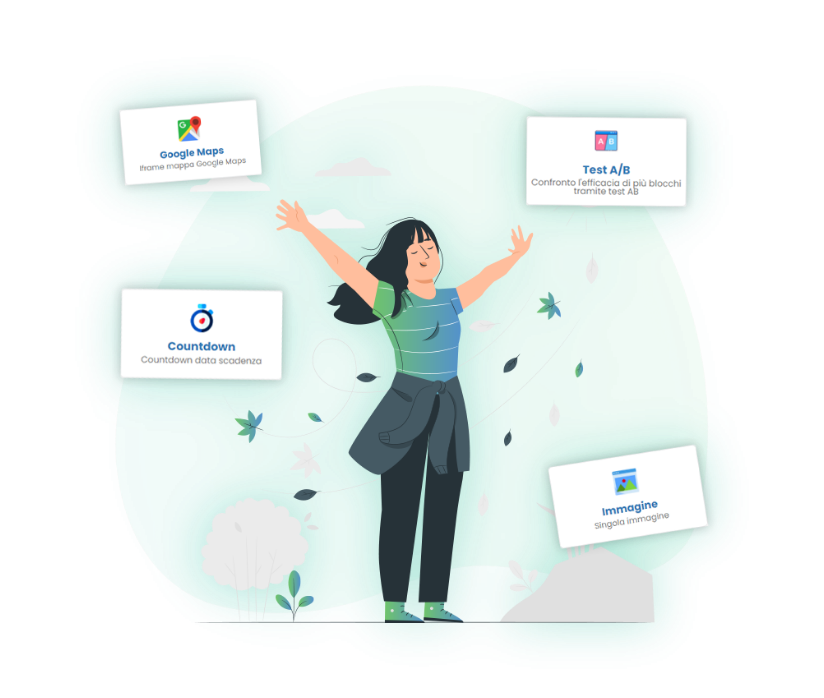
Manage your blocks with complete freedom
With Framework360 you can:
- Show or hide blocks based on specific conditions
- Show or hide blocks only to logged-in users
- Show or hide blocks only before or after a specific date (ideal for creating an effective countdown)
- Show or hide blocks only on specific devices
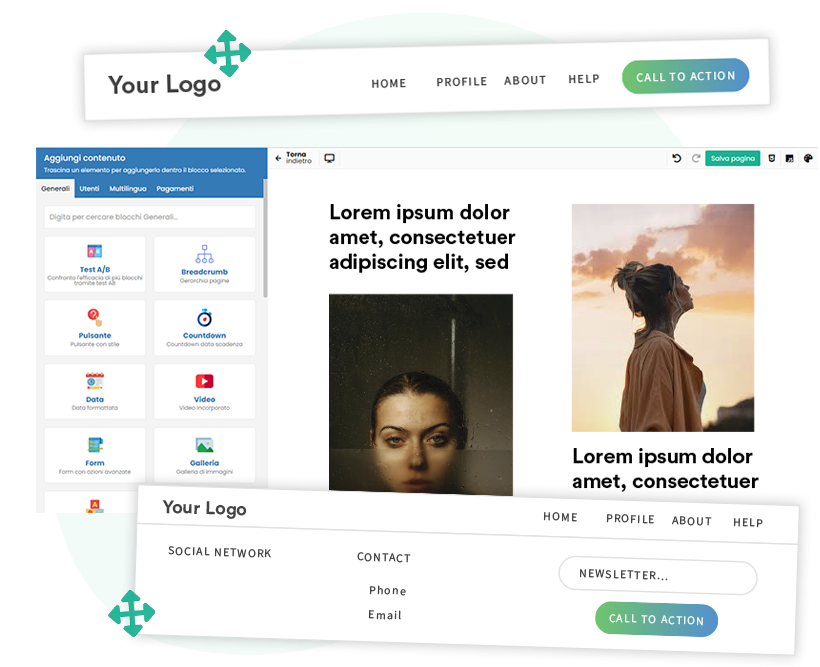
Customized Header and Footer
Create your site's header and footer using the Framework360 visual builder, customizing them completely to fit your page structure.
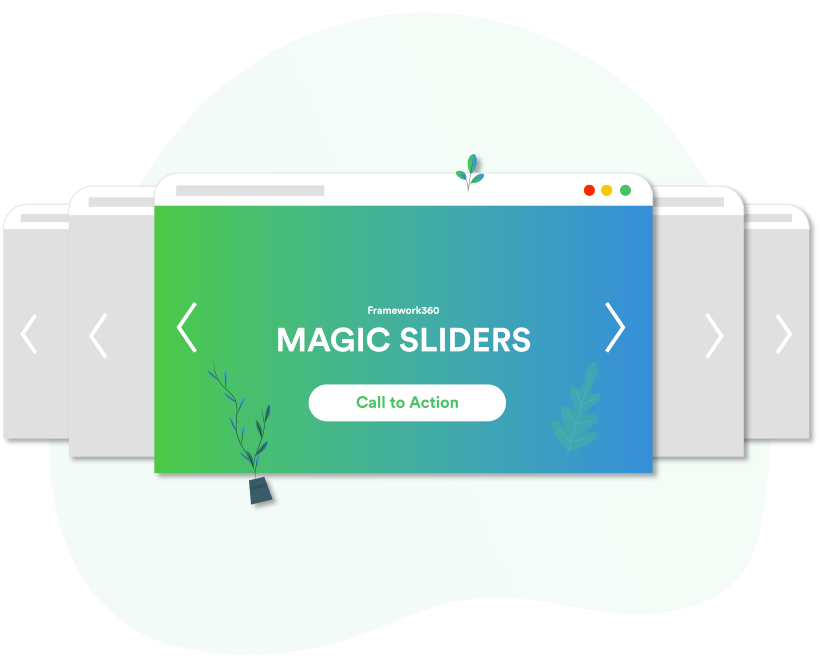
Your best sliders
Create sliders to insert, for example, above the fold on your site, featuring your partners or testimonials to capture the visitor's attention.
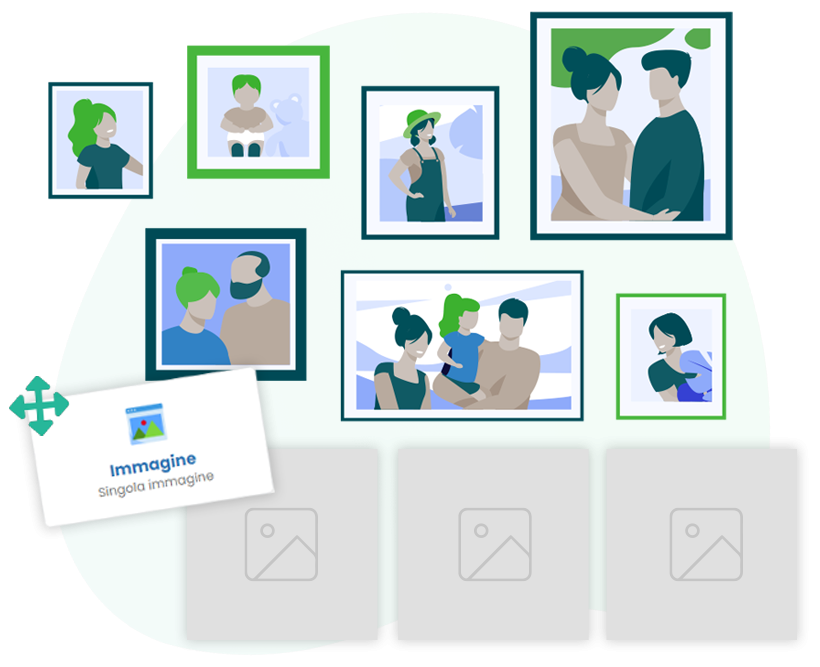
Create photo galleries
Create photo galleries and insert them into your homepage to showcase your most popular products or services.
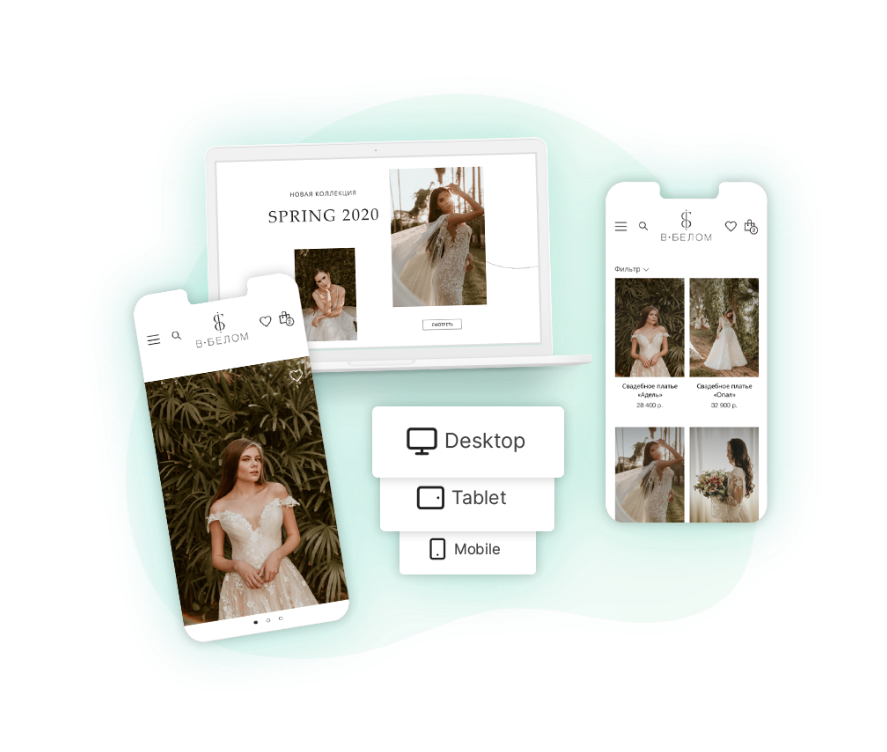
Mobile and desktop are not the same!
You can create custom menus for desktop and mobile to meet your customers' needs at any time of day and ensure a perfect user experience.
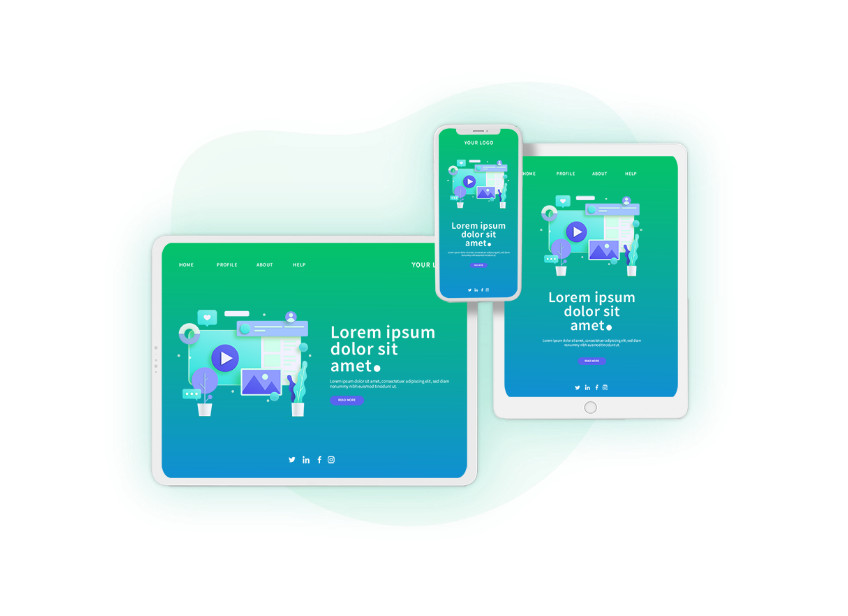
Mobile Friendly
Create a site that looks great on any screen, whether it's a smartphone, tablet, or desktop. You can also determine which pages should appear on PC or mobile.

On-page SEO optimization
When creating your articles, you can set optimized SEO meta tags to give your search engine ranking a boost.
Furthermore, Framework360 technology also displays the famous rich snippetsin Google search results: for example, if you have a restaurant, the star ratings for your service will appear.
Frequently Asked Questions
After registering with Framework360 you will find a simple configuration wizard, at the end of which you can activate the free trial. The free trial period is absolutely non-binding and does not require the insertion of a credit card to be activated.
Framework360 is designed to be easy to use but, being a professional platform, it requires minimal technical experience to be used to its full potential.
Yes, Framework360 uses AWS (Amazon Web Services) as its hosting infrastructure and is completely managed by our team of developers and systems engineers.
No, the circuits used for payment are PayPal, Stripe or GoCardless. Framework360 DOES NOT save your card details.
No, automatic renewal is optional. When purchasing the subscription you can choose whether to activate automatic renewal or deactivate it. The circuits used for payment are PayPal, Stripe or GoCardLess. Framework360 DOES NOT save your card details.
Yes, you can deactivate your subscription at any time.
Yes, the features and plugins are included in the subscription.
Yes, you can earn with Framework360 thanks to the Affiliate Program! By signing up for free, you will receive a personalized link to share and you will earn a commission for every purchase generated. The more people you invite, the greater your earnings will be.
To learn more: https://www.framework360.com/affiliation/
Yes, if you have specific needs or require additional resources beyond those included in the standard packages, you can contact us and request the necessary resources.
Yes. Framework360 allows you to import data from other software, such as pages, contacts, customers, and other information, making it easy to switch to the platform without having to start from scratch. If you have specific migration needs, our team is available to assist you during the import process.
Yes, absolutely. Framework360 is used by agencies, consultants, freelancers, and professionals as a software platform to offer to their clients alongside their own services.
You can provide consulting, marketing, campaign management, development, training, support, or any other professional service. Furthermore, you can customize the platform with your own brand, logo, and domain, offering a fully branded experience that strengthens the value of your offering and your company.
Yes. You can connect your own payment method and resell subscriptions to end customers, setting the price as you see fit. This allows you to create customized offers and business models based on recurring margins.
What do our customers think?
Here are some reviews from Framework360 users.





Build your next project with
Framework360
4.9
Based on over 458 reviews